Sample result
Make the idea visible
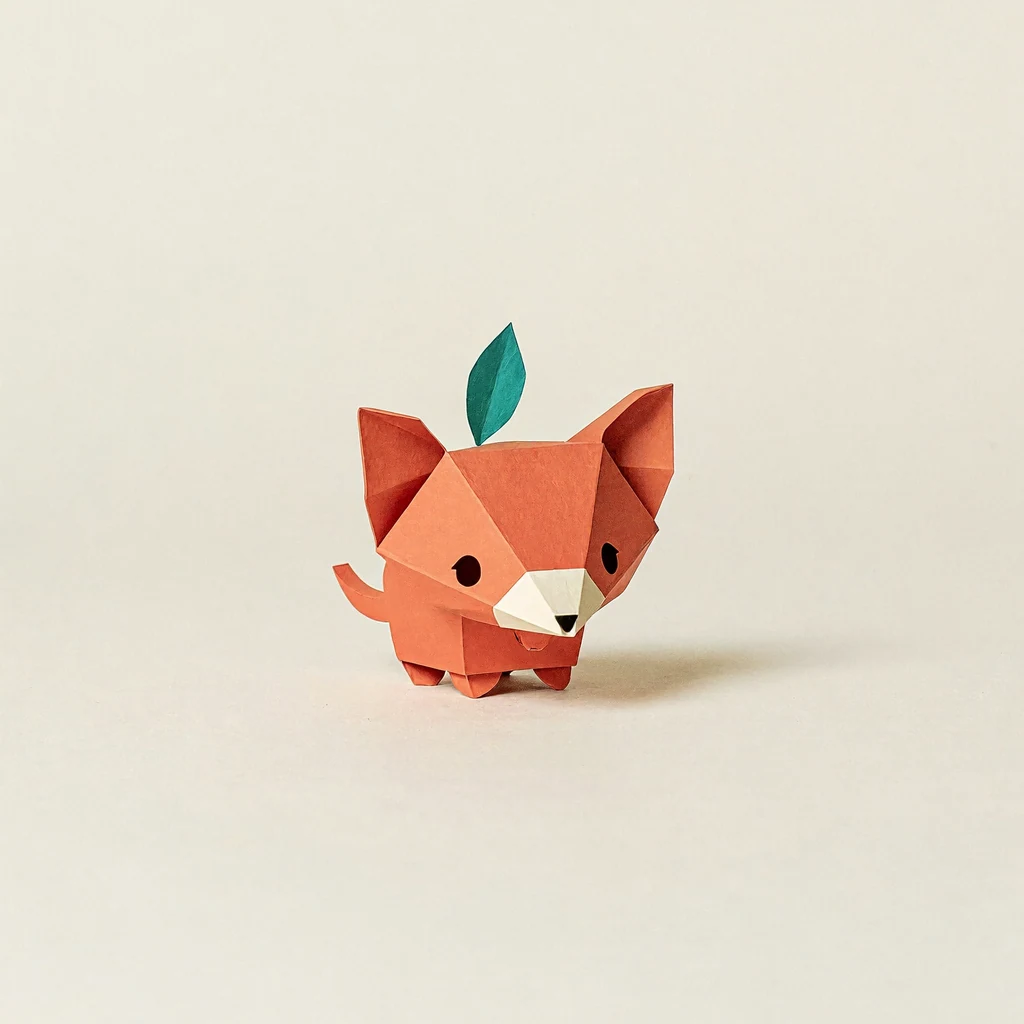
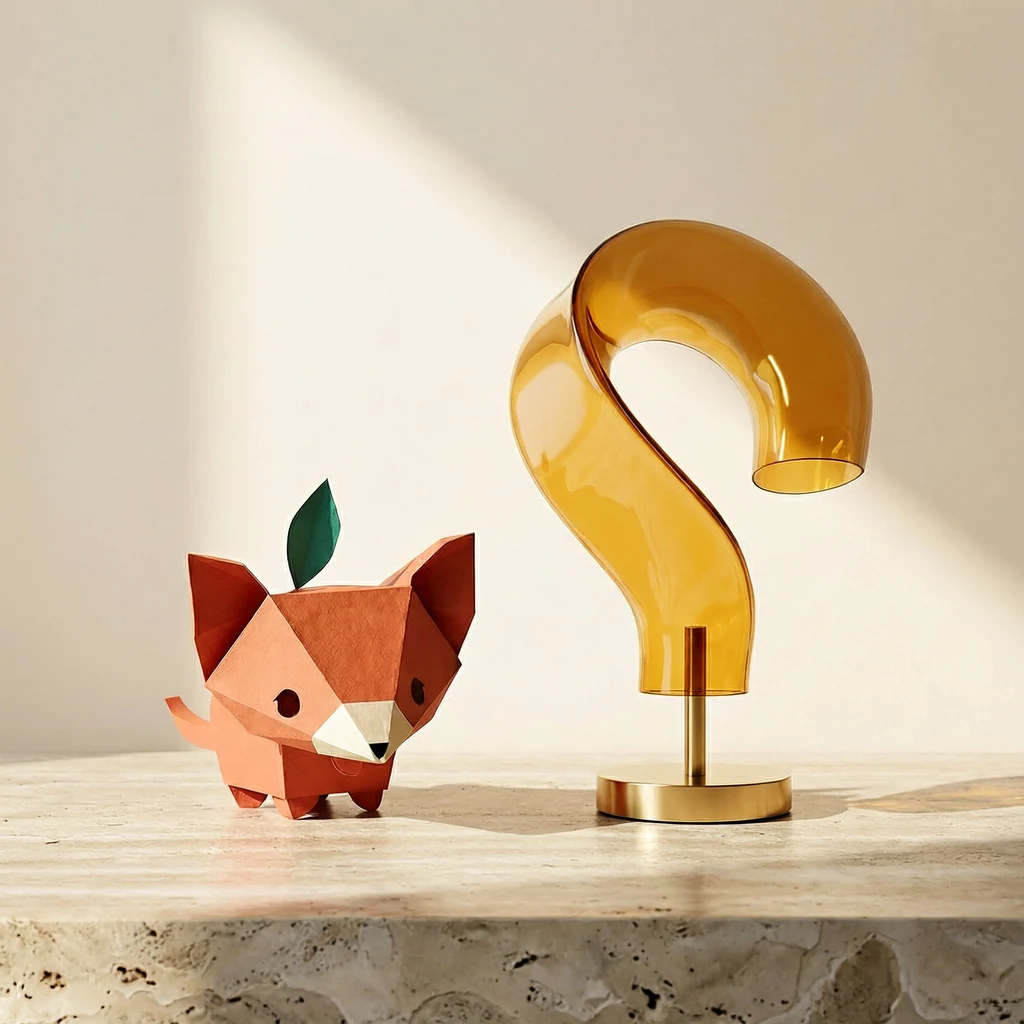
The second result combines this mascot with a separate product image using the model’s reference-image workflow.
Create from text, or edit with up to 16 reference images. Export PNG, JPEG, or WebP.

 MiniMax H3 Image
Create polished images from a prompt, then refine or combine ideas with reference images. Explore real MiniMax H3 Image results across illustration, product, and design work.
Sample result
The second result combines this mascot with a separate product image using the model’s reference-image workflow.
Create from text, or edit with up to 16 reference images. Export PNG, JPEG, or WebP.
MiniMax H3 Image · Showreel
A few ideas brought to life with MiniMax H3 Image.
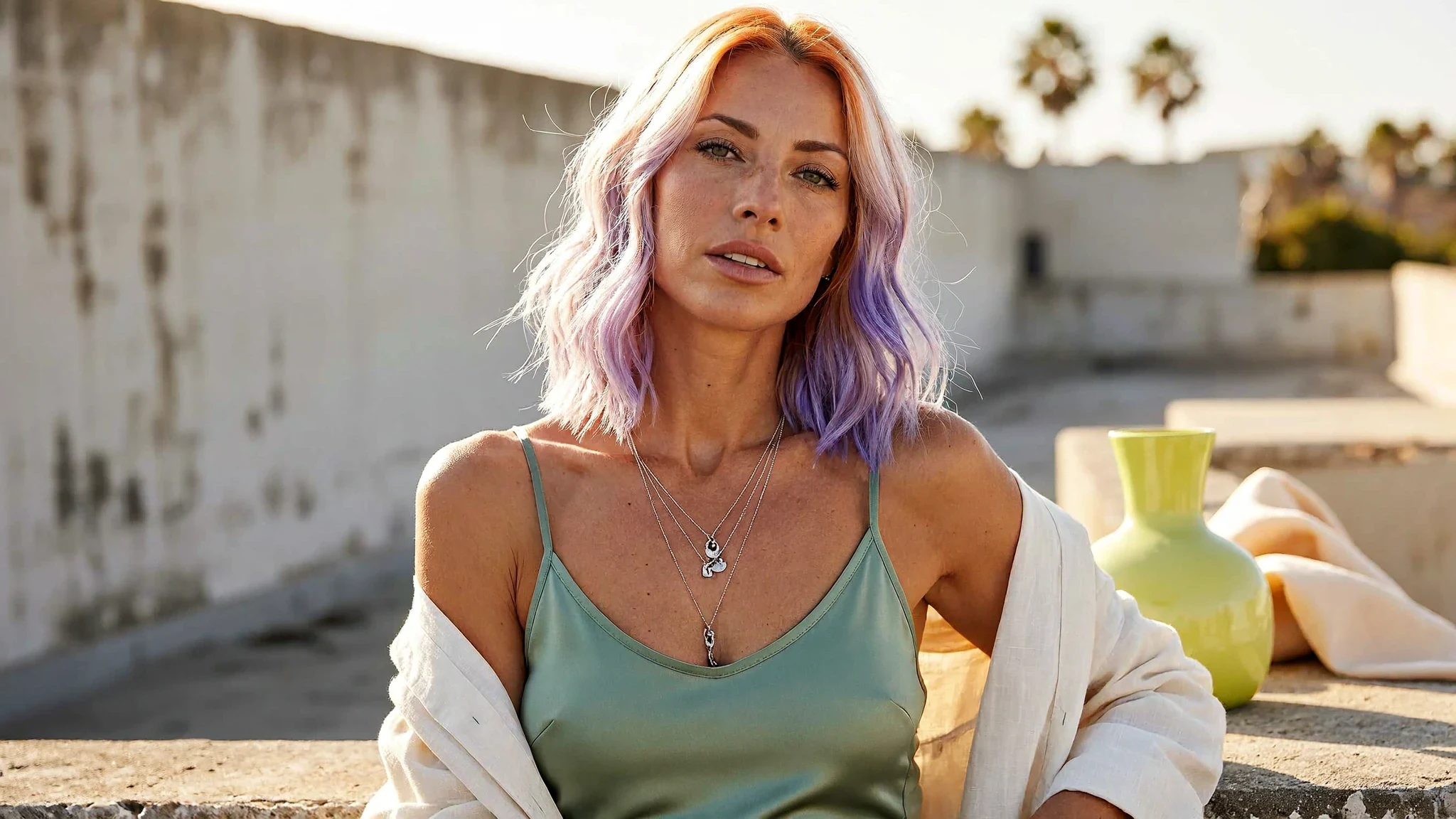
Photorealistic portrait
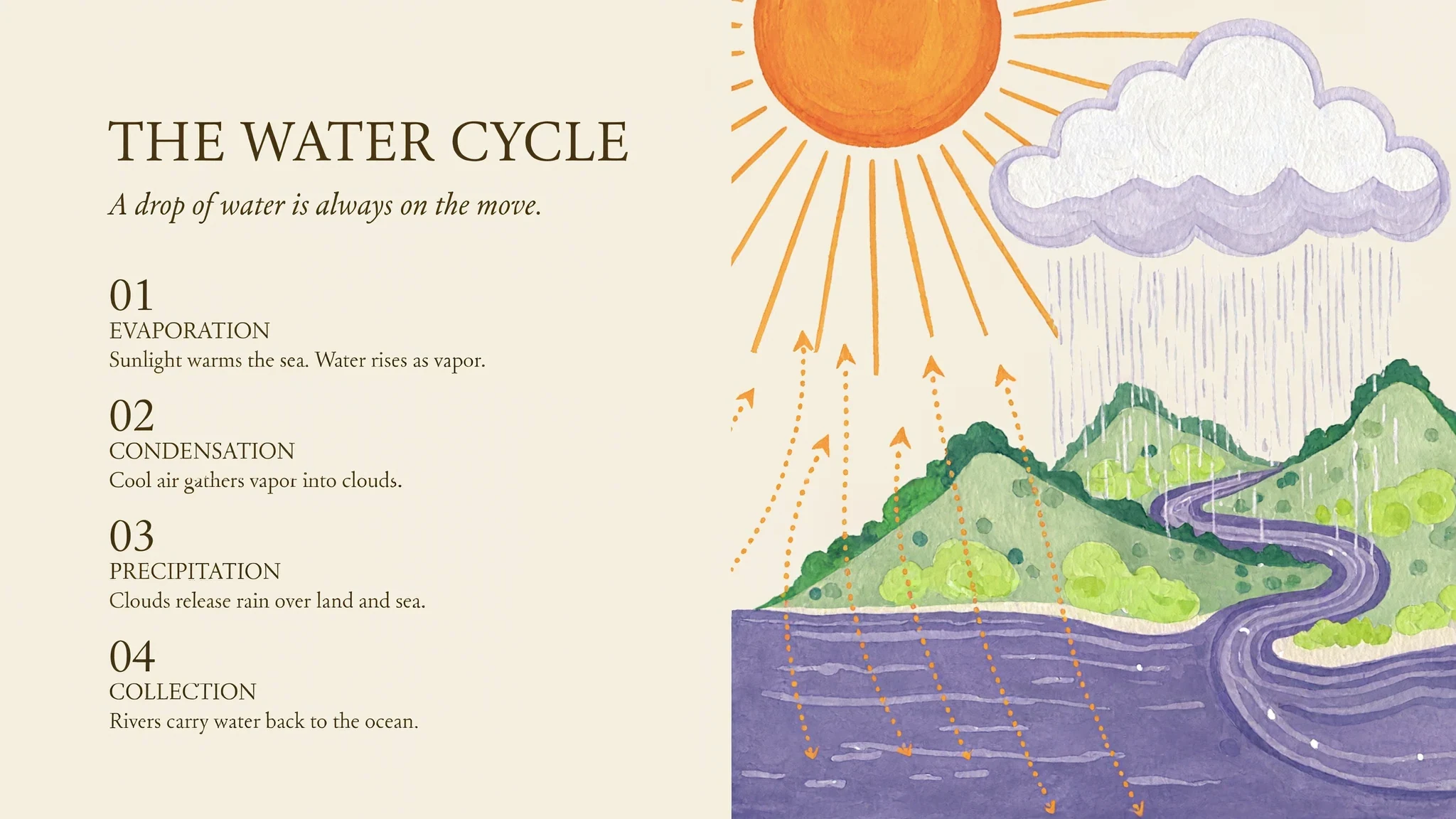
Illustrated publication
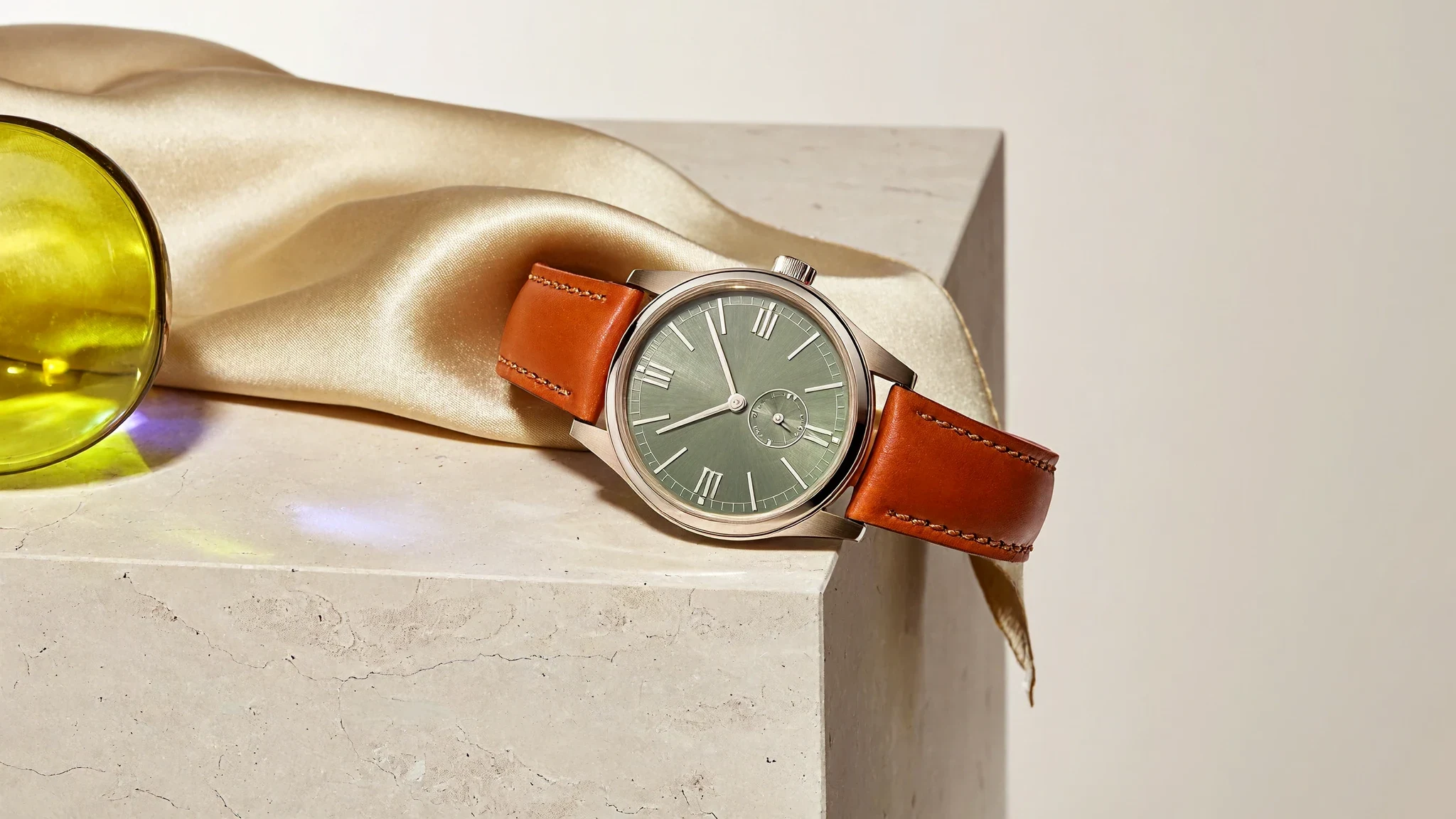
Luxury product campaign
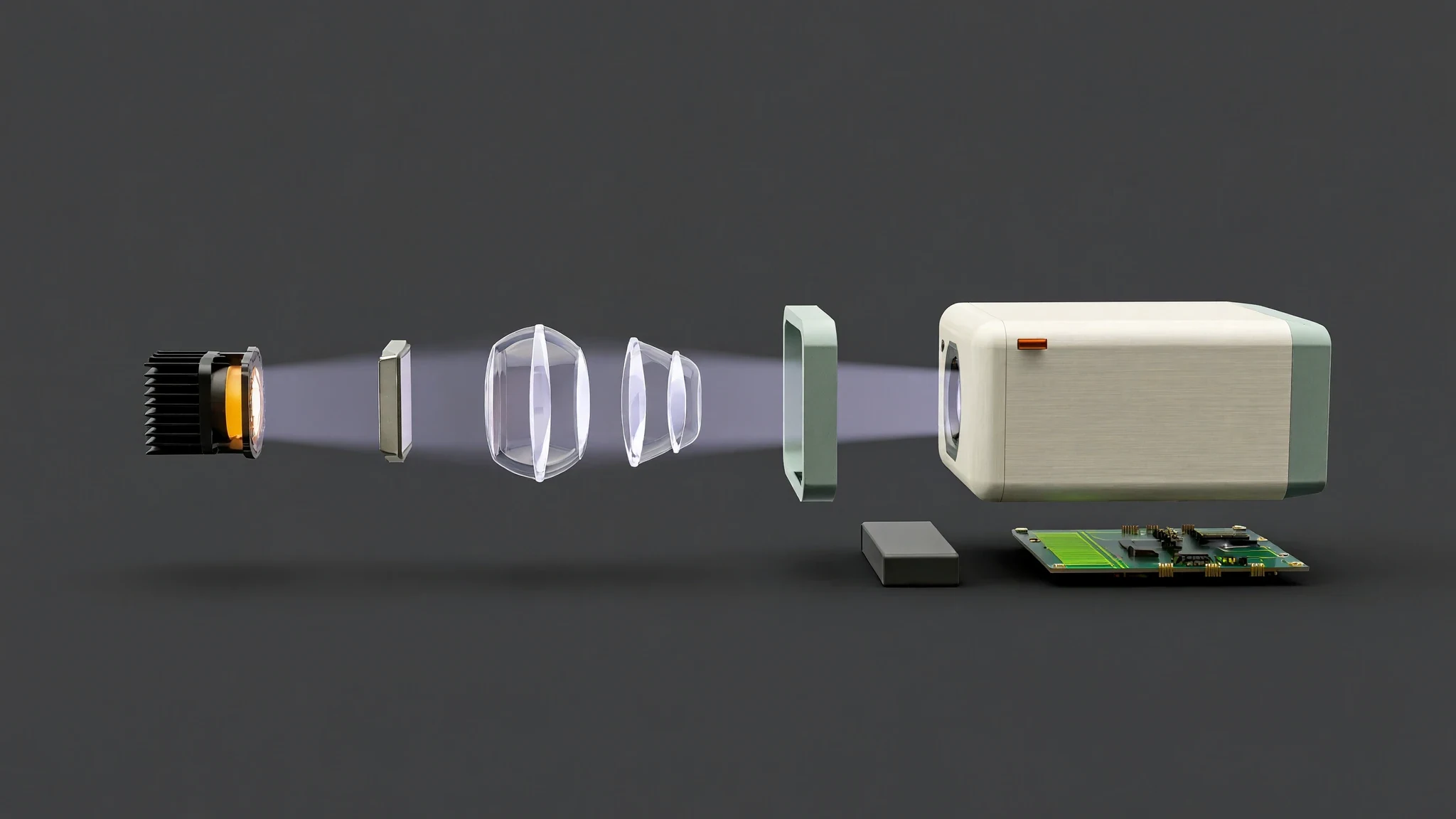
Product visualization
What MiniMax H3 Image can do
These original outputs show a detailed product scene and a composite made from two separate reference images.
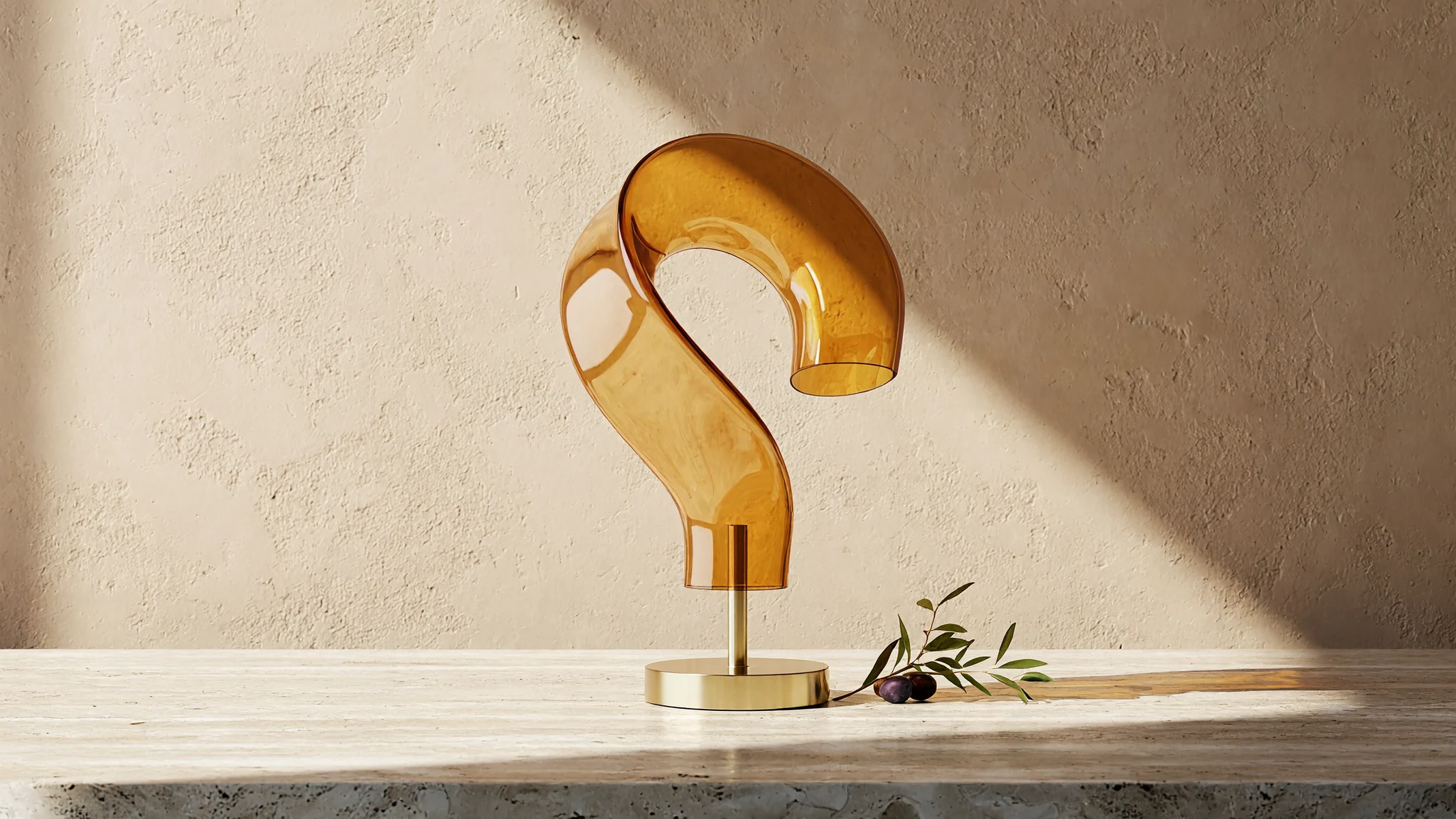
Text prompt → 2K image
A glass lamp, warm daylight, and precise reflections show how a detailed brief can shape a polished product concept.
Actual MiniMax H3 Image output · 2048 × 1152 · PNG original.
Premium editorial product photograph of a translucent amber glass desk lamp shaped like a folded ribbon. The lamp is centered on a travertine table beside one small olive branch, against a warm sand-colored wall. Late-afternoon sunlight makes beautiful caustics through the glass. Art direction: quiet luxury campaign, precise realistic material, clean composition, 16:9 landscape frame. Keep the full lamp visible. No text, no branding, no watermark.
Two references → one image
The model takes a mascot and a lamp from separate source images, then places both into a new campaign composition.
Actual reference edit · two MiniMax H3 Image source images · 1024 × 1024.
Combine the provided references into one polished square campaign image. Use the folded-paper fox mascot from Image 1, preserving its exact coral body, cream muzzle, teal leaf, and friendly expression. Place the fox standing next to the amber glass ribbon lamp from Image 2, preserving the lamp's recognizable folded shape. Warm ivory studio set, travertine floor, soft shadows, high-end playful editorial art direction. Both subjects completely visible and clearly distinct. No text, no logo, no watermark.
Capabilities checked November 13, 2026 against MiniMax’s H3 Image announcement. Add reference images in the studio before generating an edit.
Prompt gallery
Explore actual H3 Image results across poster design, illustration, product concepts, and character design. Every card includes its generation prompt.
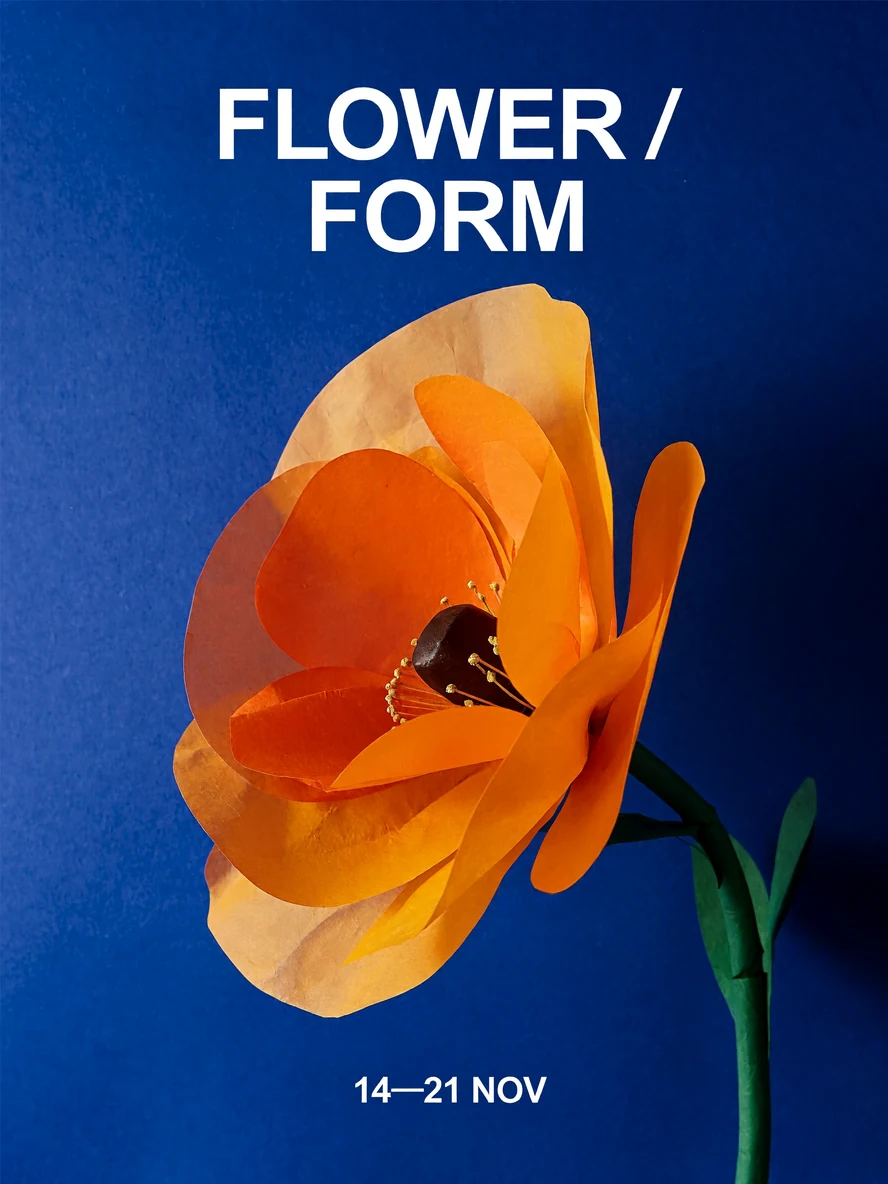
MiniMax H3 Image · Text to image
Specify the subject, headline, palette, and layout in one creative brief.
Create a vertical graphic-design poster for an imaginary independent flower exhibition. Hero image: an oversized sculptural orange poppy made of translucent paper, photographed against a saturated cobalt-blue backdrop. Large readable headline at the top exactly: 'FLOWER / FORM'. Small readable date at bottom exactly: '14—21 NOV'. Modern Swiss editorial layout, strong type hierarchy, balanced margins, vivid but restrained colors. No other text, no logo, no watermark.
MiniMax H3 Image · Text to image
Build a scene with a clear character, setting, texture, and point of view.
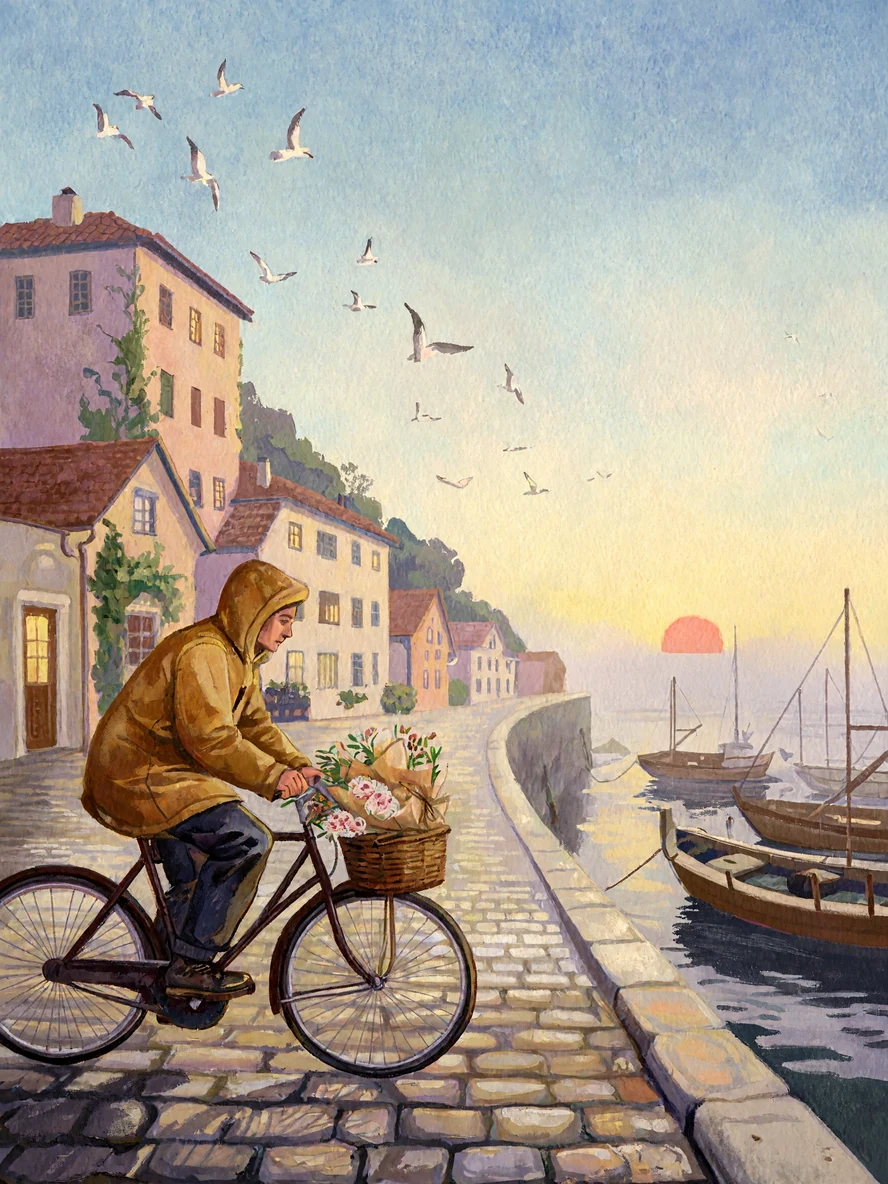
A richly detailed editorial storybook illustration: a small bicycle courier in a mustard raincoat rides along a cobbled harbor street at sunrise, carrying a bundle of paper flowers. Pastel seaside houses, fishing boats, sea birds, soft mist, a pale coral sun, layered composition with a welcoming sense of depth. Hand-painted gouache texture with visible brushwork, sophisticated warm and cool color balance. Vertical 3:4 composition, no text, no logo, no watermark.

MiniMax H3 Image · Text to image
Explore material, light, and art direction before a physical shoot.
Premium editorial product photograph of a translucent amber glass desk lamp shaped like a folded ribbon. The lamp is centered on a travertine table beside one small olive branch, against a warm sand-colored wall. Late-afternoon sunlight makes beautiful caustics through the glass. Art direction: quiet luxury campaign, precise realistic material, clean composition, 16:9 landscape frame. Keep the full lamp visible. No text, no branding, no watermark.

MiniMax H3 Image · Text to image
Give a mascot a distinctive silhouette, palette, and surface texture.
Create a single original friendly mascot for a design studio: a small rounded coral-orange fox made of folded paper, with expressive dark eyes, a cream muzzle, tiny feet, and a single teal leaf sprouting from its head. Center it on a warm ivory studio backdrop with a soft grounded shadow. Sophisticated tactile paper illustration, crisp silhouette, restrained coral, cream, and teal palette. Full body visible, generous negative space, no words, no logo, no watermark, no additional characters.
Prompt links prefill the studio. Results can vary from the examples shown here.
Reference image editing
This edit used the product image as its reference. The prompt requested blue-hour lighting while preserving the lamp, camera angle, and composition.
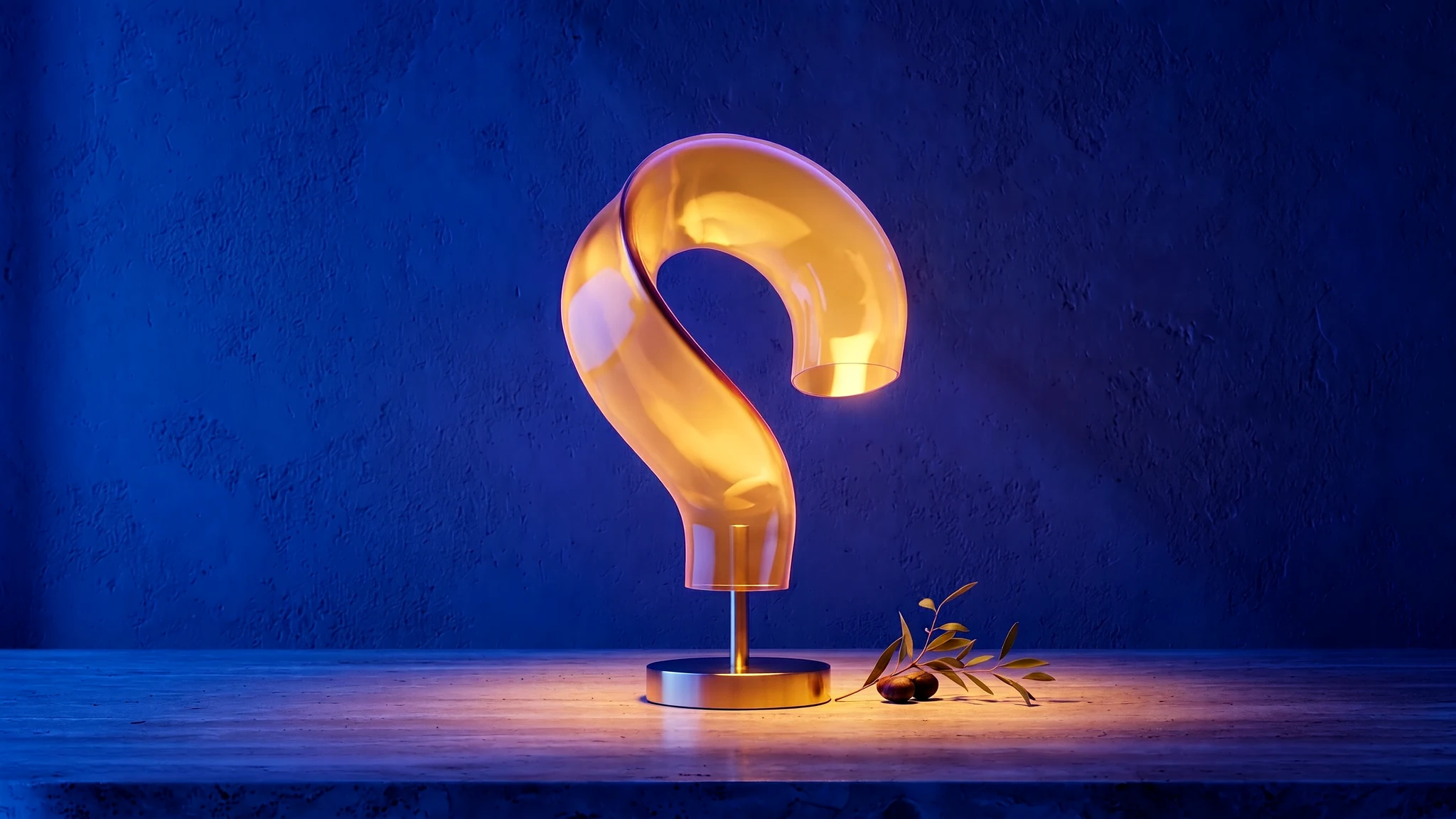
Edit Image 1 into a blue-hour campaign photograph. Preserve the exact amber ribbon lamp design, travertine table, olive branch, camera angle, scale, and composition. Change only the background and lighting: deep cobalt-blue evening ambience, a subtle violet rim light, and a warm amber glow from within the lamp. Keep glass reflections physically plausible. No text, no branding, no watermark.
Choose your workflow
Both workflows use MiniMax H3 Image in Bezio. Choose the starting material that matches your brief.
| Decision | Text to image | Reference edit |
|---|---|---|
| Reach for it when… | You are exploring a new concept from a written brief. | You need to preserve or combine visual elements. |
| Examples here | Poster, illustration, product, mascot | Lighting change and two-source composition |
| Starting material | A detailed prompt | A prompt plus one to 16 uploaded images |
Workflow support follows the current Bezio model catalog and MiniMax’s November 2026 announcement.
Step by step
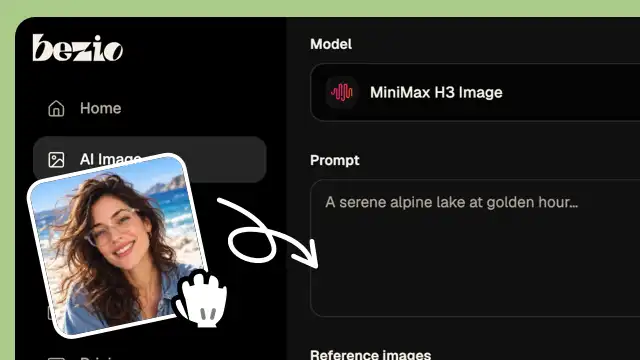
Describe your subject, style, and framing. For edits, add reference images in the studio.
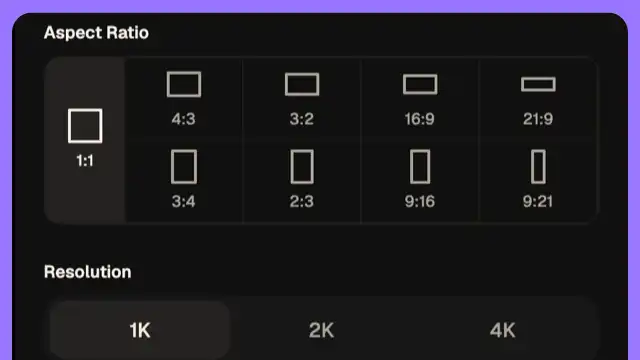
Pick aspect ratio, 1K to 4K resolution, image count, and output format.
Open the studio, check the credit quote, refine the prompt, and generate.
Creator tip · Text to image
Want a portrait that feels more like a real moment? Give H3 Image a person, place, light source, camera point of view, and the little details you want to keep.
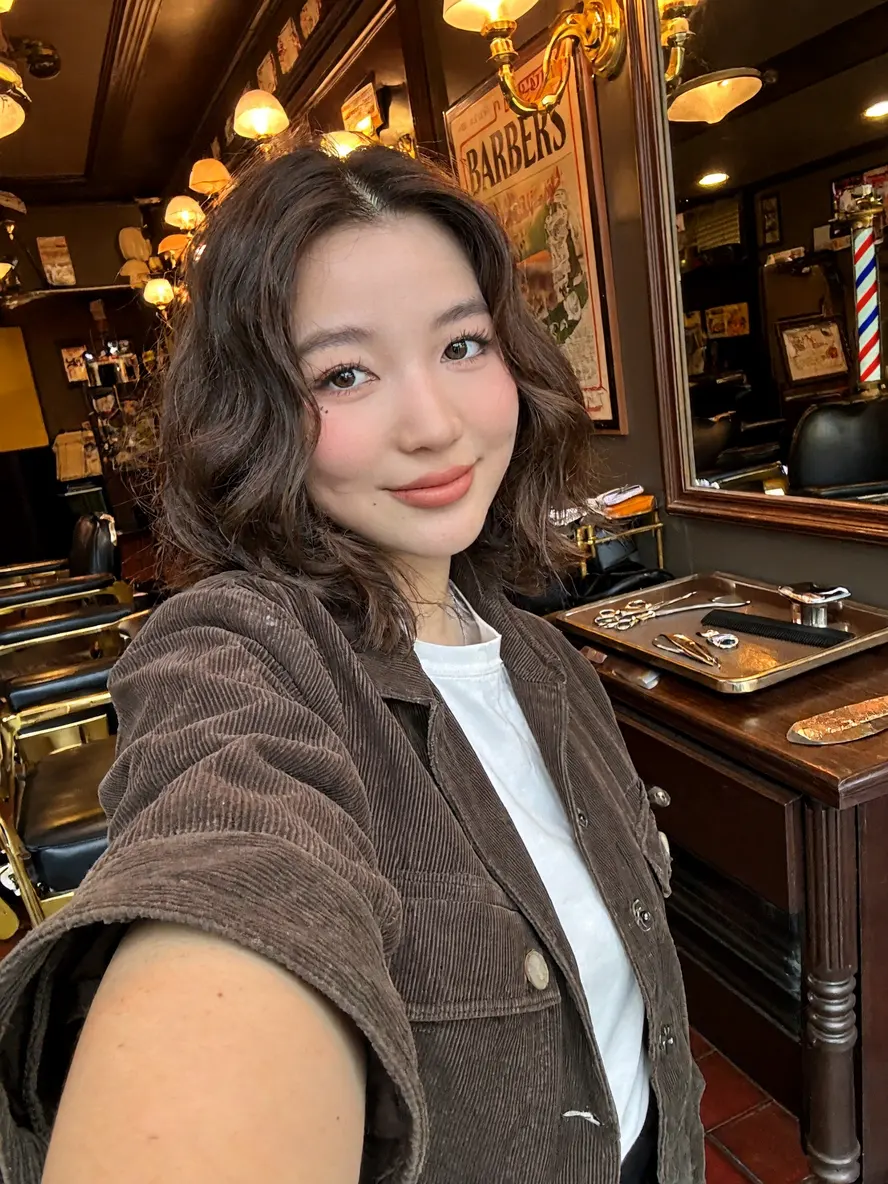
“Close-up selfie of a young woman with dark hair in a barbershop”
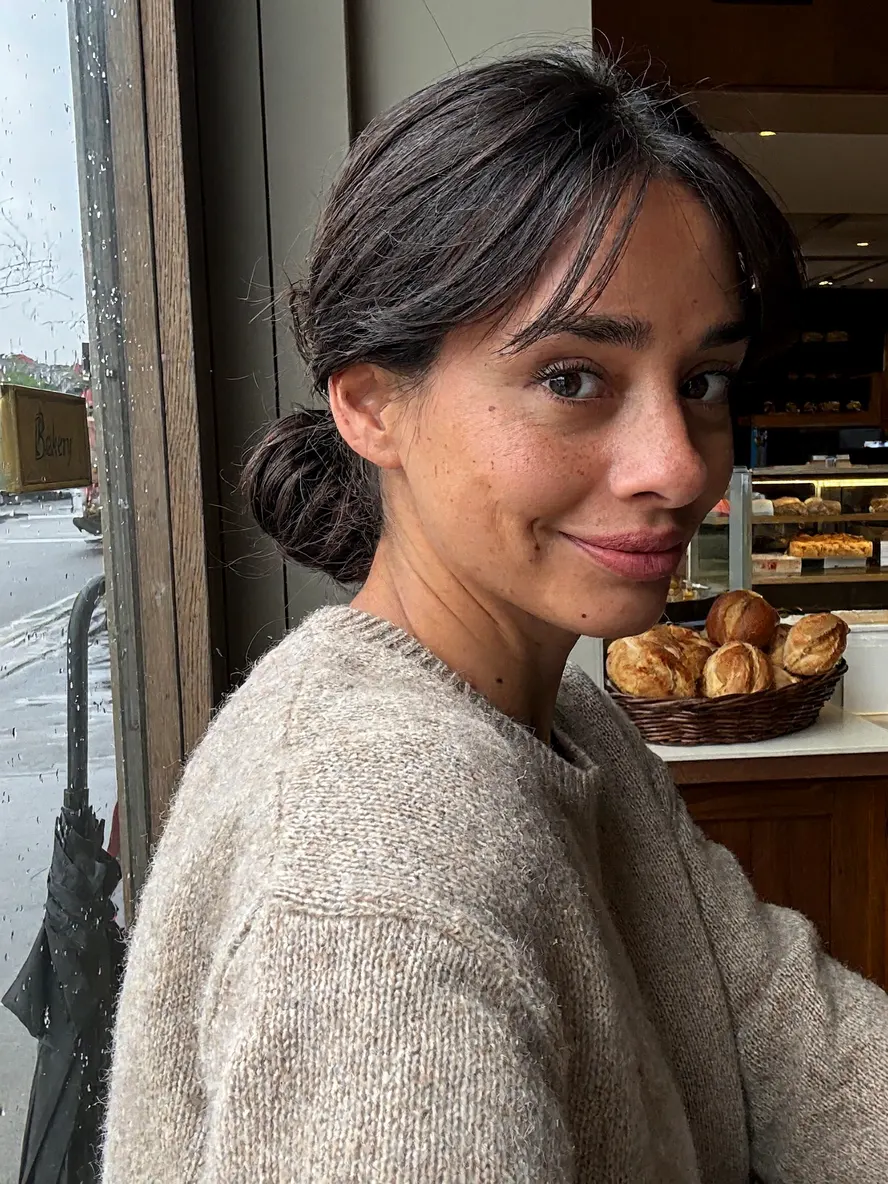
The brief adds a rainy bakery, window light, a phone-camera perspective, visible skin texture, and no retouching.
A close-up selfie of a 26-year-old woman with olive skin, dark brown eyes, and long dark brown hair in a loose low bun, sitting by the window of a small bakery on a rainy morning. She wears a soft oatmeal knit sweater and turns slightly toward the camera with a relaxed half-smile. Raindrops and the gray street are visible through the window; warm pastry shelves and a basket of bread sit softly out of focus behind her. Shot on the iPhone 16 Pro front camera at arm's length, natural window light from her left, visible skin texture and pores, light makeup, no retouching, natural phone HDR, not cinematic, not studio.
Adapted from the supplied excerpt; this is not the exact prompt used to make the image.
Try this promptThe scenes differ too, so this is a creative example, not a controlled test of prompt length. Try adding the details that matter to your own image, then check the result at full size.
Questions, answered
MiniMax H3 Image is an image generation model from MiniMax. On Bezio, you can create from text or edit with reference images, then choose an aspect ratio, resolution, image count, and PNG, JPEG, or WebP output.
Yes. Add up to 16 reference images in the Bezio image studio. Describe how to use each image in the prompt, such as preserving a subject, changing lighting, or combining objects from separate references.
It combines a generated folded-paper fox and a separate generated lamp image. Both source images and the resulting edit were made with MiniMax H3 Image and are shown on this page.
The image studio offers 1K, 2K, and 4K resolution presets, several aspect ratios, and PNG, JPEG, or WebP output. The example images here use 1K or 2K settings.
No. It carries your prompt and chosen settings into the Bezio image studio. For edits, add the reference images there, review the credit quote, and generate when ready.
Make a new concept from words, or bring reference images into the studio to refine an existing idea.