Made with Seedance 2.5 Flash
Video preview
A six-second text-to-video result made with Seedance 2.5 Flash at 720p. Use the player controls to hear its generated ocean ambience.

 Seedance 2.5 Flash
Explore the fast tier of Seedance 2.5. Start with text, shape a shot between two frames, or guide a new scene with one reference video. Review the settings and credit quote in the Bezio studio.
Made with Seedance 2.5 Flash
A six-second text-to-video result made with Seedance 2.5 Flash at 720p. Use the player controls to hear its generated ocean ambience.
Input → Output
See three supported workflows: animate a still, guide a new shot with one video, and move between a start frame and an end frame.
One starting image sets the bottle, lighting and composition. The prompt adds a restrained camera move.

Prompt
Use the provided image as the exact opening frame. Preserve the unbranded lavender glass perfume bottle, its proportions, the limestone plinth and the background. Make a slow clockwise camera arc while a soft patch of sunlight travels across the glass and a green leaf shifts gently in the breeze. Keep the bottle stationary and the movement restrained. Sound: subtle room tone, no speech or music. No captions, no visible text, no logos, no watermark.
These three stills come from one six-second reference clip. The result is a new shot guided by that single uploaded video.
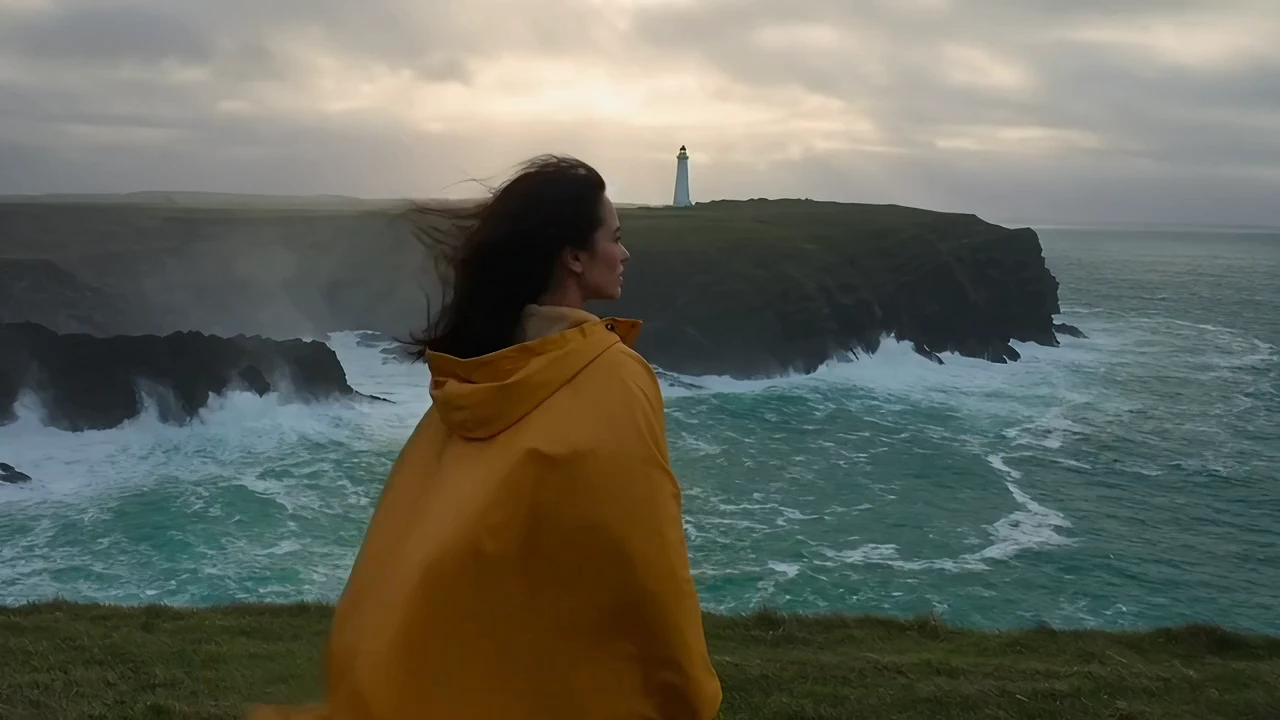
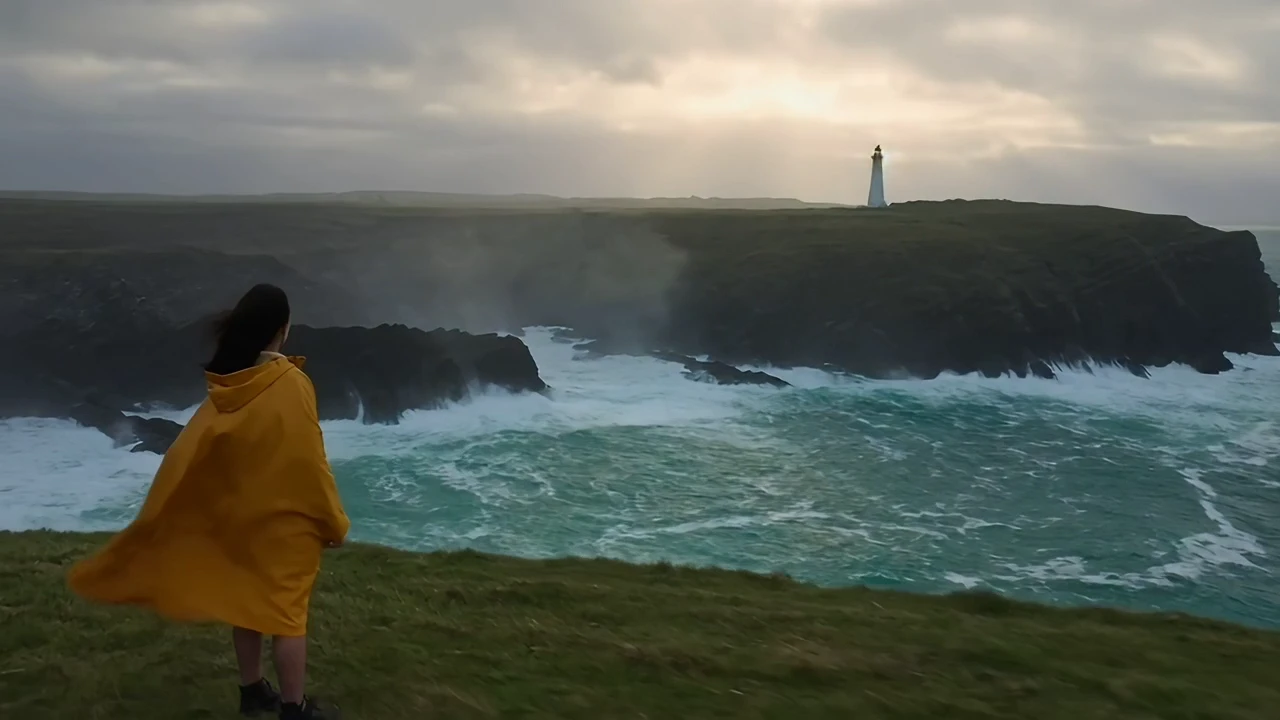
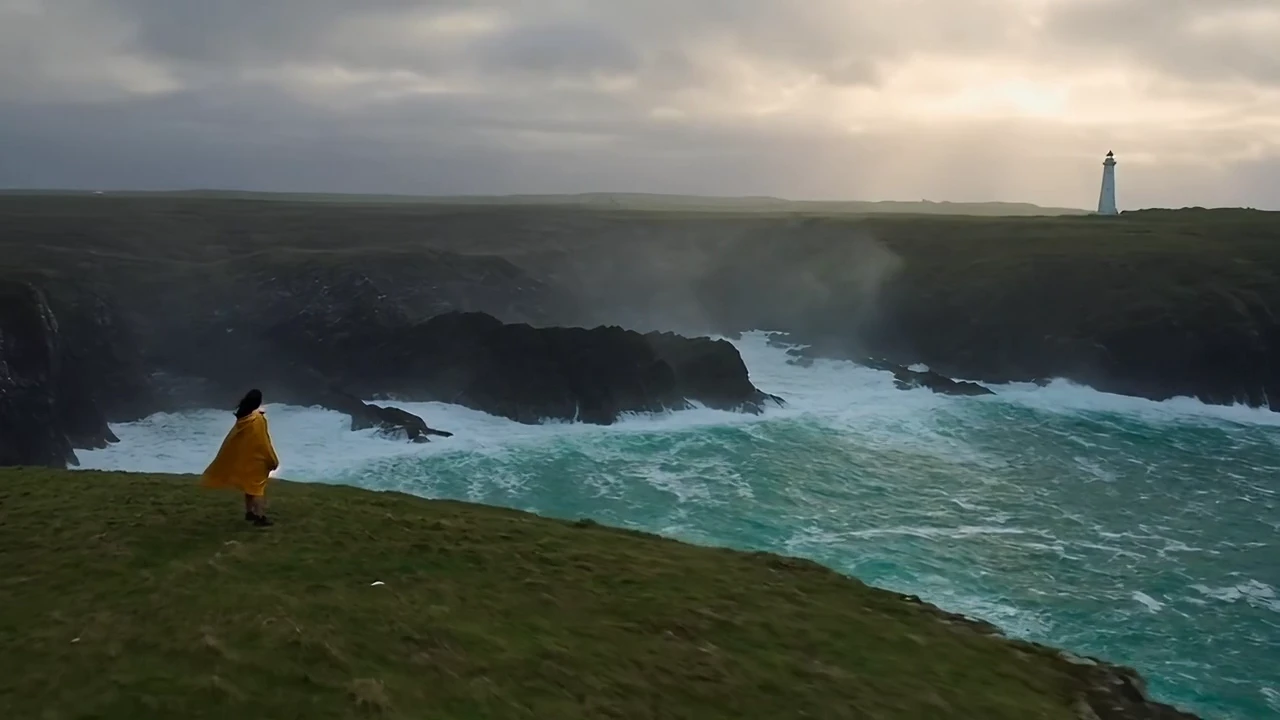
Prompt
Use @Video1 as visual guidance for the coastal location, yellow raincoat, natural wind and cinematic camera language. Make a new five-second shot from a lower, closer viewpoint: follow the same traveler taking two careful steps along the grassy cliff path, then let the lighthouse come into view beyond her shoulder. Preserve the setting and coat color; keep movement believable. Sound: ocean surf, wind and footsteps on grass, no speech or music. No captions, no visible text, no logos, no watermark.
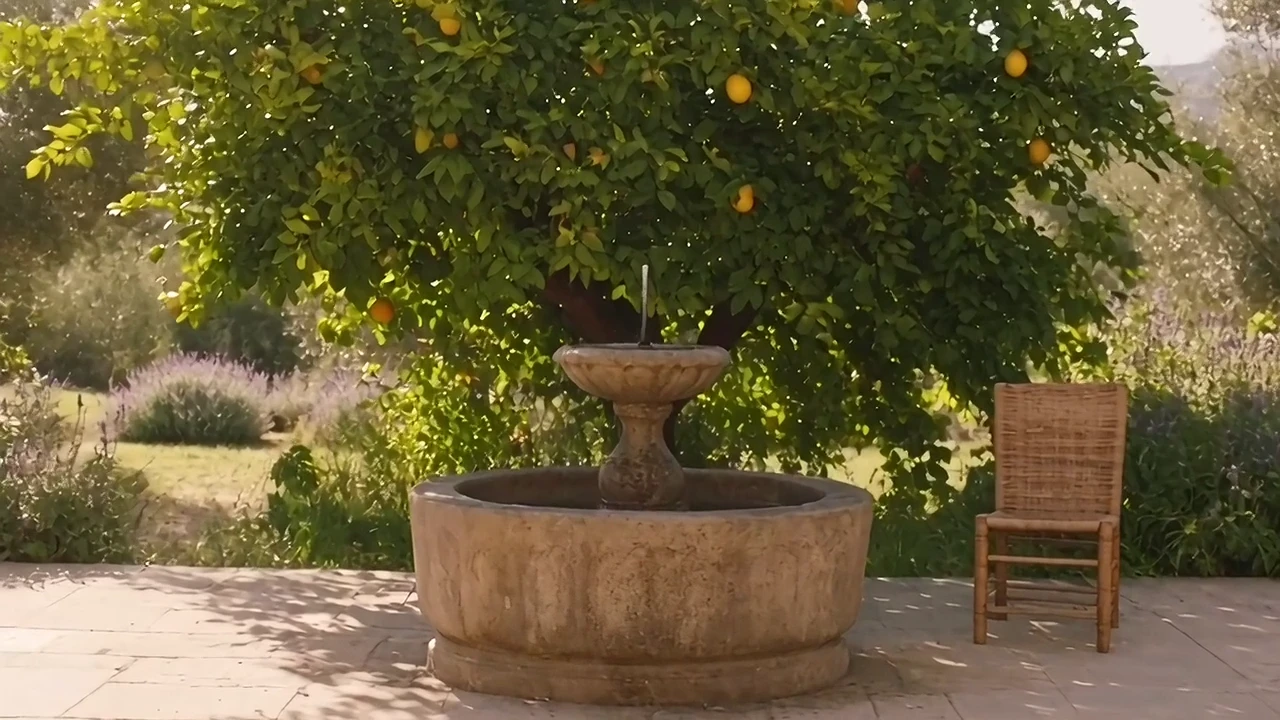
A start frame and an optional end frame give a camera move a clear destination. These frames were extracted from a separate Flash-generated garden clip.
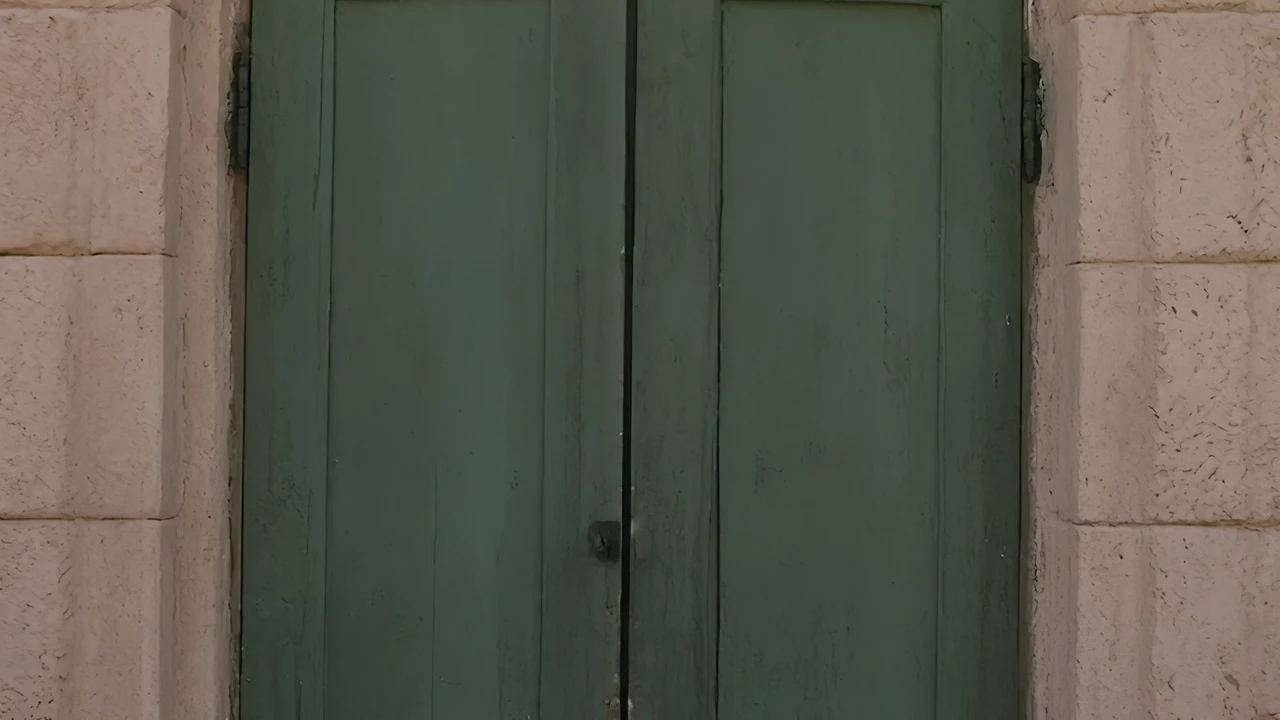
Prompt
The first image is the exact opening frame and the second image is the intended final frame. Make one continuous five-second camera move from the closed sage-green garden door through the opening into the courtyard. Open the door naturally, then glide forward toward the fountain, arriving at the final composition. Preserve the limestone architecture, garden colors and lighting; no cuts or dissolves. Sound: a quiet door hinge, birds and fountain water, no speech or music. No captions, no visible text, no logos, no watermark.
Features
Describe one clear action and a camera move, then use the Flash tier to explore a visual direction. This tracking shot follows a paper sailboat across reflected light. Flash is the fast tier of Seedance 2.5; generation time still depends on the scene and queue.
Choose a fixed length from 4 to 30 seconds in Bezio. A door opening and a camera moving into a garden show how ordered actions can form a complete shot. Keep the brief focused, and leave enough time for each beat.
Generate synchronized scene audio alongside the picture, or turn audio off in the form. Try concrete sound cues such as pouring water, ice clinks or a door hinge. Listen to this example with the player controls; audio generation does not change the credit price.
Compare
Compare current Bezio settings and credit prices. Flash gives you the Seedance workflow at a lower credit price than the standard tier; choose the controls that fit your shot.
| Creative need | Seedance 2.5 Flash | Seedance 2.5 |   Kling 4.0 |
|---|---|---|---|
| Credits for 5 seconds at 720p | 115 credits | 180 credits | 60 credits |
| Clip duration | 4–30 seconds | 4–30 seconds | 3–30 seconds |
| Resolution in Bezio | 480p or 720p | 480p or 720p | 720p or 1080p |
| Start with | Text, a start image, or one reference video | Text, a start image, or one reference video | Text, a start image, or one reference video |
| Extra controls | Optional end frame; audio toggle | Audio toggle; one optional reference image | Optional end frame; reference-video framing |
| Consider it for | Exploring Seedance ideas with a lower credit cost than the standard tier | Comparing another Seedance tier on the same creative brief | A defined opening and ending, or 1080p output |
Compared November 22, 2026, using Bezio's current integration and fixed output credit prices. Prices shown use 720p and five seconds; a paid subscription is required. Audio does not change the Flash price. Explore Seedance 2.5 and Kling 4.0 for their workflows.
Use Cases
Explore product reveals, fictional story concepts, and vertical lifestyle inserts. Every video below is a genuine Flash output.
Product video
Explore a short product reveal around one camera move, a material and a lighting cue. The headphone film shows a direction for launch creative and product-led social ads.
Story concepts
Sketch a location, a character and a small action to test the mood of a scene. This rainy flower-shop moment is a fictional story concept generated from text.
Social inserts
Use a 9:16 clip for a creator cutaway, a behind-the-scenes concept or a lifestyle insert. This pottery scene is generated footage, ready to review alongside the rest of your edit.
Step by step
From your first prompt to a finished video.
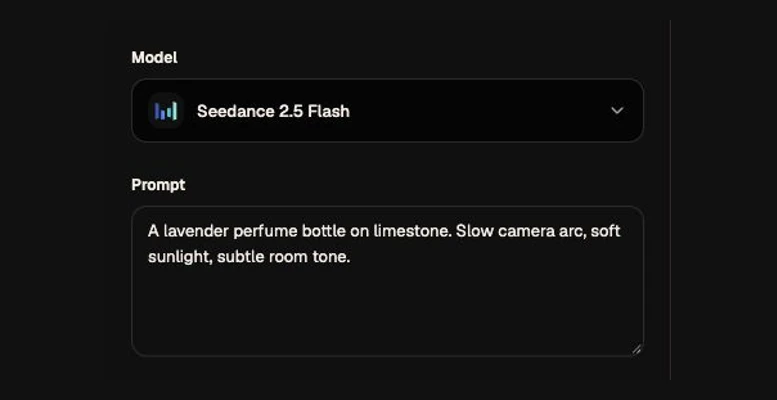
Write a subject, an action and one camera direction. Open the studio to add a starting image or a single reference video.
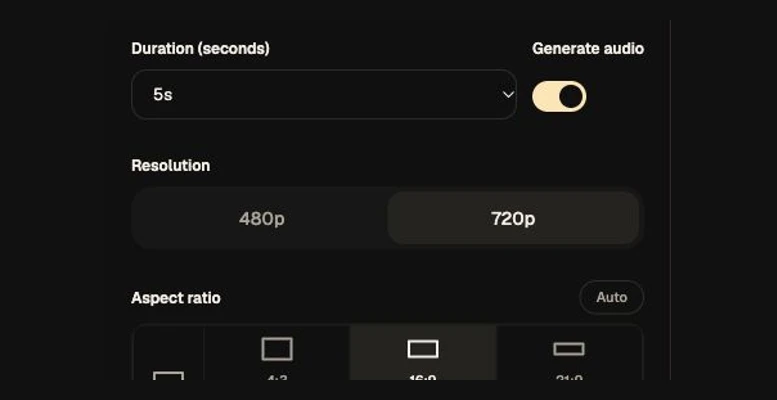
Choose 4–30 seconds, 480p or 720p, and whether to generate audio. For image-to-video, add an optional end frame in the studio.
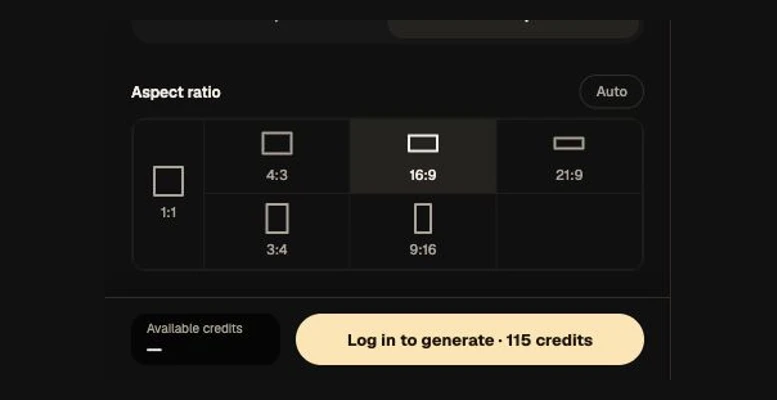
Sign in with an active subscription, review your credit quote, and start the generation. Check the finished picture and sound before using the clip.
Questions, answered
Seedance 2.5 Flash is the fast tier of ByteDance’s Seedance 2.5 video model. In Bezio, it supports text-to-video, image-to-video with an optional end frame, and generation guided by a single reference video.
Choose a fixed duration from 4 to 30 seconds. Bezio currently offers 480p and 720p output. Automatic duration is not part of the current workflow.
Yes. In the video studio, upload a starting image and then an optional second image for the ending frame. Image-to-video follows the starting image’s canvas rather than a separate aspect-ratio setting.
Add one MP4 or MOV clip from 1.8 to 30.2 seconds, up to 100 MB. You may add one optional reference image. Mention @Video1 and, if present, @Image1 in your prompt. The reference guides a new result; it does not guarantee an identical shot.
The current price is 11 credits per output second at 480p or 23 credits per output second at 720p. A five-second video costs 55 or 115 credits respectively. The same output-based price applies to the current reference-video workflow. Review the live quote in the studio before generating.
Yes. Use the Generate audio control here or in the video studio. Turning it off does not reduce the credit price. Audio references are not currently available in the Bezio form.
No. It opens the video studio with your prompt and supported settings. You can review the credit quote and edit the settings there. Generating with Flash requires an active paid subscription and enough credits.
Bezio currently exposes reference-guided generation, not the editing or extension task controls. Multiple reference videos, multi-image reference sets and audio uploads are also outside this first release.