01
Make detail easier to see
Video upscale can give small clips a larger canvas and clearer-looking edges. A useful shot may fit better beside newer footage when the source has enough detail to work with.
Bezio Tools
Bring your video into focus. Upload a clip, choose 1080p or 4K, and see the credit cost before processing.
Topaz Precision · Proteus
Final quote appears after upload and uses the frame-rate option you selected. Credits are refunded if processing fails.
Preview
Drag to compare this example, then upload your video to see your own result.
See the difference
Move the divider across a real video upscale example. The same 720p source was processed with Topaz Proteus and exported at 1080p. Compare the motion and detail; your clip may respond differently.
Why use it
A useful video upscaler helps you get more from existing footage through flexibility, better fit, and stronger presentation. Judge each result on its own merits.
Video upscale can give small clips a larger canvas and clearer-looking edges. A useful shot may fit better beside newer footage when the source has enough detail to work with.
A video upscaler lets you revisit footage you own. Test an older take in a new edit before putting another shoot on the calendar.
Video upscale to 1080p or 4K for a presentation, product page, or social post. Review the finished file at its intended display size.
The possibilities
Video upscale helps when a clip still tells the right story but its resolution limits where it fits. Explore four uses, then test a short sample from your library.


01 / Reuse your library
An interview, event clip, or behind-the-scenes moment may still tell the right story even if it was captured for an older screen. Video upscale helps you revisit smaller files and find shots worth bringing into a current edit. Test a short, well-exposed section first.
A video upscaler is valuable when a scene cannot be repeated: a performance, milestone, or early launch. Compare the updated clip with the original and keep the people and movement that made it worth saving.
Try it nowOriginalReused02 / Keep the original shoot
Reshooting takes people, locations, approvals, and money. If the shot and message still work, video upscale may be a practical first step. Test a higher-resolution version and decide whether the original scene can stay in your edit.
For product demonstrations, customer stories, or training material, a video upscaler gives you another option before a new production. It cannot fix every production problem, so inspect the result before making the call.
Try it now03 / Improve the viewing experience
A soft clip can feel out of place beside sharp titles and new camera footage. Video upscale increases its dimensions and uses AI to interpret detail. Textures and edges may look clearer, depending on the source.
Use the slider above to inspect a real video upscale example. Then watch your own result at normal speed and frame by frame, checking faces, fine patterns, motion, and artifacts before publishing.
Try it now04 / Publish with confidence
In a fast-moving feed, clearer footage can make the subject easier to recognize. Video upscale can prepare an older clip for a teaser or creator post when the story works but the export is small.
A video upscaler cannot guarantee a viral hit. The hook, pacing, framing, and relevance still matter. Use video upscale alongside a good crop and edit, then test the final post on its intended platform.
Try it nowWho it is for
The best video upscale candidate is a valuable clip with a clear purpose. Editors, marketers, and creators often have different reasons to revisit an old file; each group can start with a short test and decide from the actual output. The images below illustrate possible scenarios.
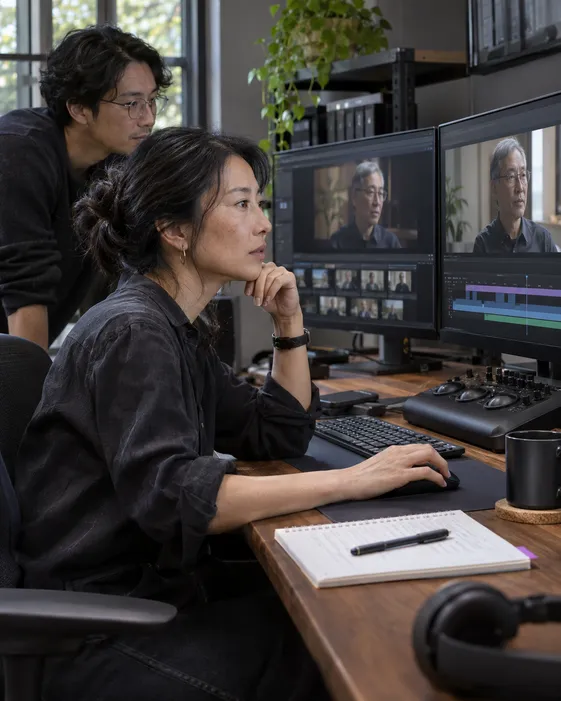
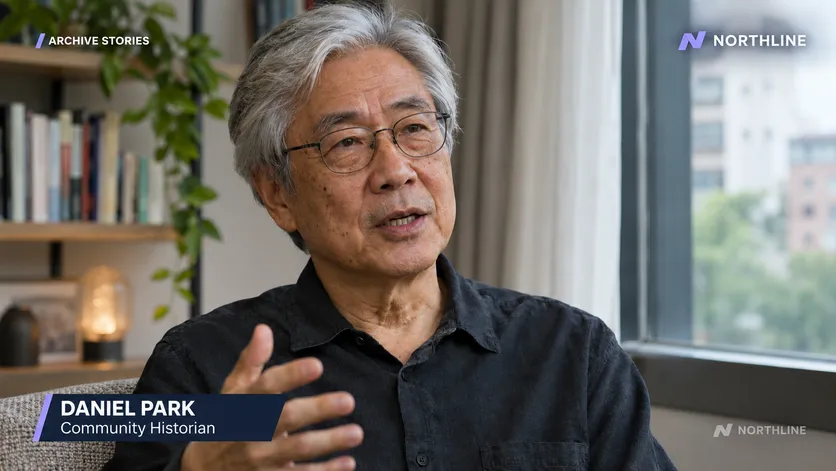
A video upscaler helps editors blend older B-roll, interviews, and event footage into a newer timeline. Test whether an important shot supports 1080p or 4K delivery before replacing it. Keep the original for quality review.

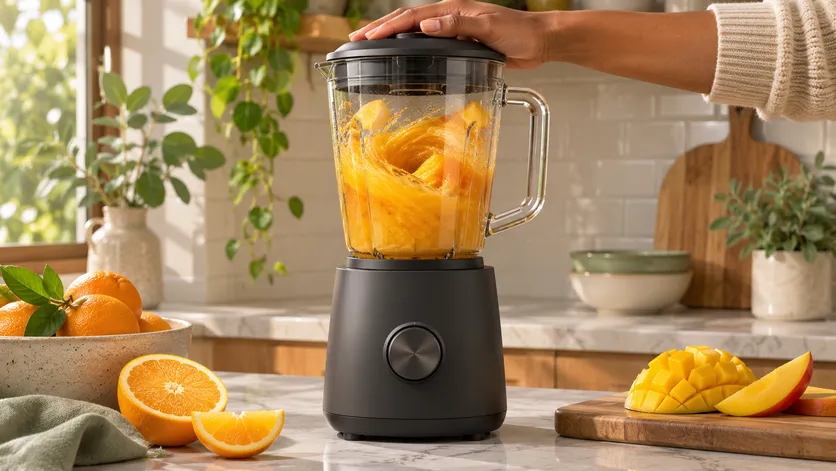
Use video upscale to revisit campaign assets, demonstrations, and testimonials. A larger version may fit a current landing page or paid-social edit. Check that product details and claims remain accurate.
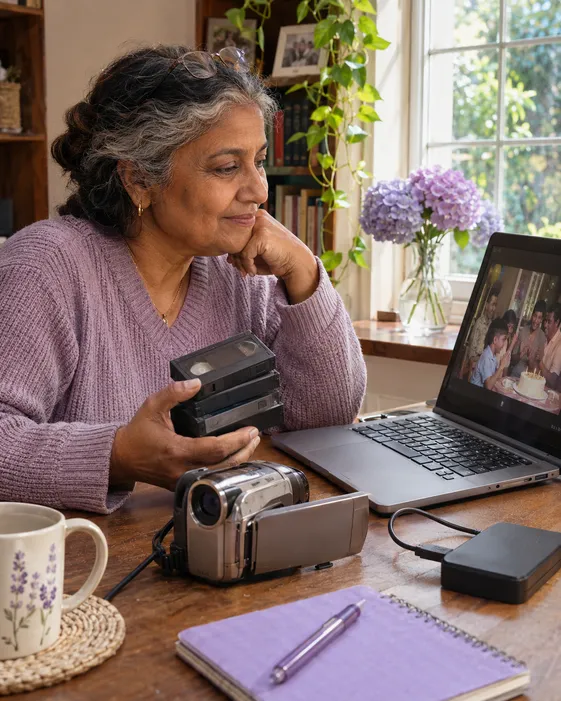

Creators and archive owners may have memorable footage from older devices. A video upscaler can test short moments for a retrospective, tutorial, or social series. Stronger source footage usually gives the most convincing result.
Step by step
The video upscaler workflow is short: bring a clip, choose a target, and review the result. See the price before processing and decide whether the output tier fits this shot.
Choose an MP4 video up to 30 seconds and 100 MB. Check the preview, then select the 30 or 60 fps band that matches your source.
Select an output above the source and within the 4× range. The video upscale quote uses reported duration, resolution, and frame-rate band. Review the credit cost after upload.
Sign in and start the Topaz Proteus video upscale job. Preview and download the finished MP4. If processing fails, the generation charge is refunded.
Questions, answered
Answers about files, output size, credits, privacy, and what to expect from AI enhancement.
Video upscale creates a larger-resolution version of a video. An AI video upscaler interprets detail while enlarging frames, but cannot guarantee recovery of detail the original never captured.
Yes. Choose 1080p or 4K. Output must exceed the source resolution and stay within the supported 4× upscale range. Select the tier that fits your delivery.
Upload an MP4 up to 30 seconds and 100 MB. Choose its 30 or 60 fps band before uploading. A clean source usually produces a better video upscale result.
Credits depend on reported duration, 1080p or 4K output, and the selected frame-rate band. Review the quote after upload. A 10-second, 30 fps clip to 1080p is 15 credits at the current rate.
Topaz Proteus preserved audio and frame rate in our tested samples. Source files and results can vary, so check the download before publishing. Your selected frame-rate band affects the quote.
A video upscaler may improve some soft edges and textures, but severe blur, noise, and compression damage can remain. Test a representative clip and compare it at your intended display size.
No. Source videos and results are private account assets. The public comparison shows a separate sample, never a visitor upload. You decide whether to share your finished video.
Bring your footage forward
Choose a short original, review the output tiers, and start a video upscaler job when the quote works for you. Your next useful shot may already be in your library.
Upscale a video